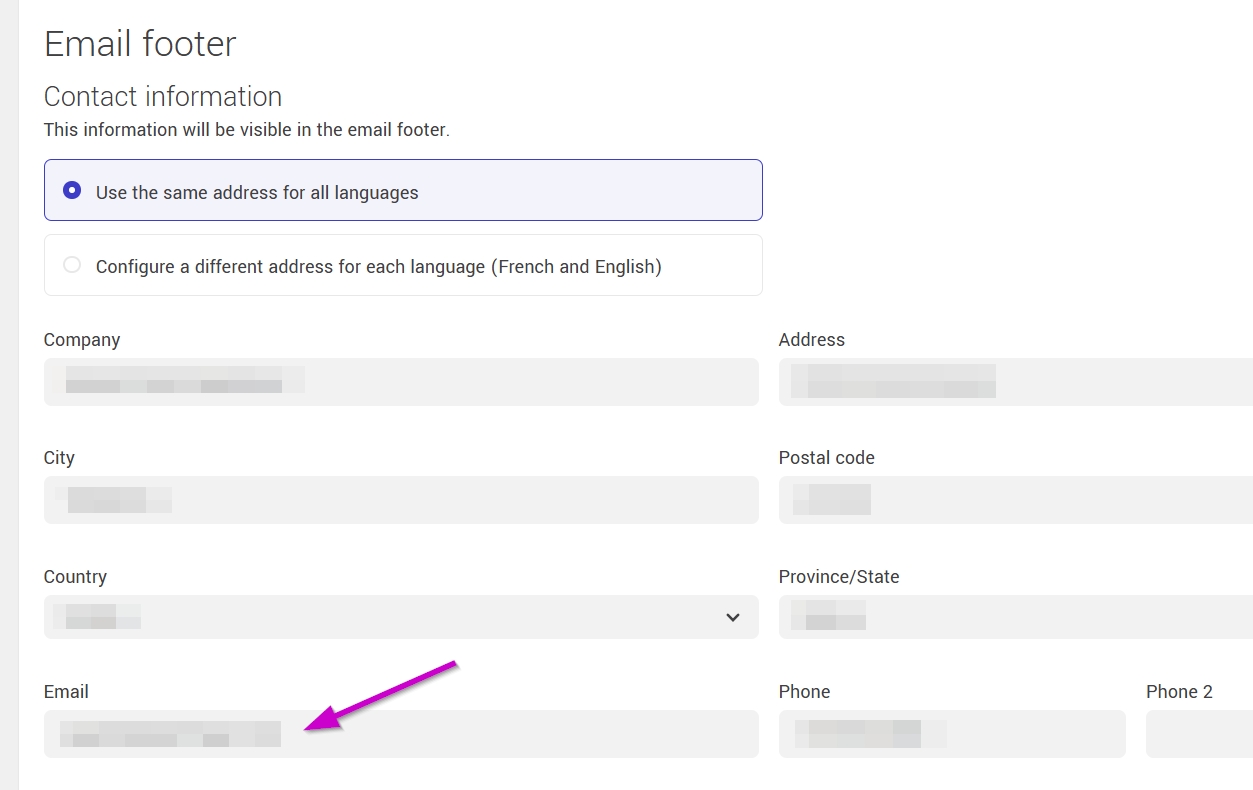
If a contact replies to a subscription confirmation email, you will receive that message at the email address configured in the Email Footer section.
Note: The reply-to address for subscription confirmation emails defaults to the one entered in the Email field of the Email Footer section. You can configure a different reply-to address for each language (French and English), so that replies to confirmation emails are automatically routed to the address corresponding to the language of the sending.
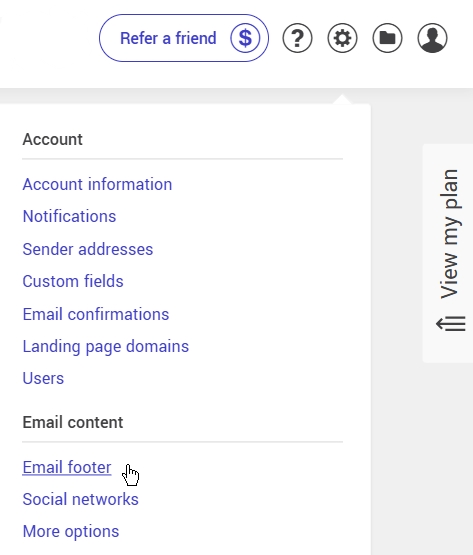
To access the footer settings:
- Hover over the gear icon in the top right corner of your account.
- Click on Email Footer.
Learn more about customizing subscription confirmation emails >